
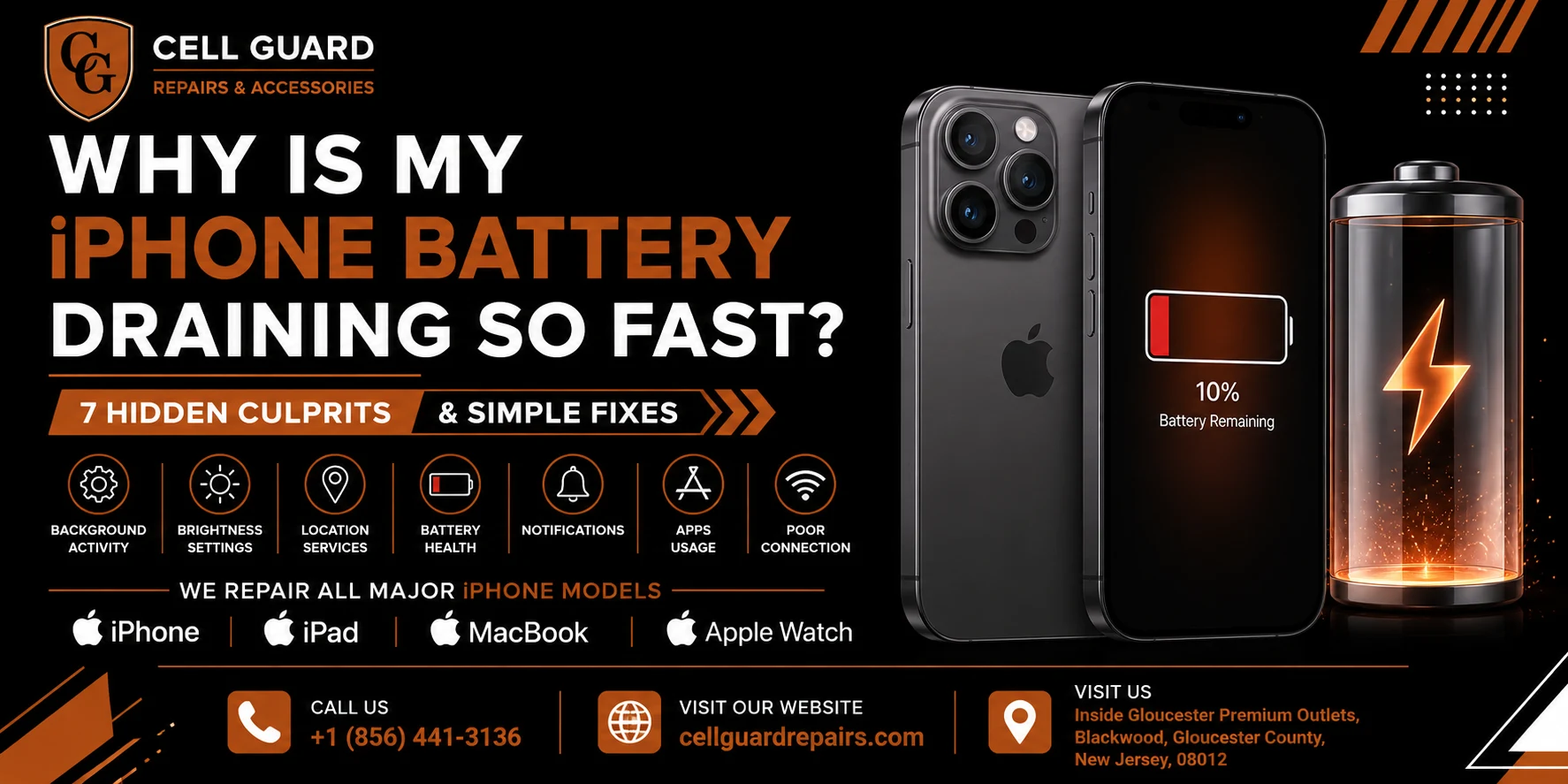
“Why is my iPhone battery draining so fast?” is one of those questions almost every iPhone owner ends up typing into Google eventually, usually right after watching their battery percentage drop from 80% to 40% in the middle of a normal afternoon. It’s frustrating precisely because it feels random — some days the battery holds up fine, and other days it seems to evaporate no matter how little you actually use the phone.
The good news is that sudden or unusual battery drain is rarely actually random. It almost always comes down to one or two specific, identifiable causes, and most of them are things you can check and fix yourself in a few minutes. In this guide, we’re going to walk through exactly why is my iPhone battery draining so fast in the most common scenarios, and what can actually be done about each one — from quick settings changes to knowing when the battery itself genuinely needs to be replaced.
Why This Question Is Worth Taking Seriously
It’s easy to treat fast battery drain as a minor annoyance you just work around — carrying a charger everywhere, topping up at your desk, or getting used to your phone dying by early evening. But battery drain is often a symptom of something specific happening on your phone, and ignoring it can mean living with a worse experience than you need to, or missing an early sign of a battery that’s genuinely failing.
There’s also a cost angle worth mentioning. A phone with a battery that no longer holds a charge properly often gets treated as “due for an upgrade” long before it actually needs to be replaced, when in many cases a straightforward battery replacement would have solved the problem for a fraction of the cost of a new phone. Figuring out why is my iPhone battery draining so fast isn’t just about convenience — it’s often the difference between a five-minute fix and an unnecessary expense.
It’s also worth separating two different situations that often get lumped together: a battery that’s simply drained faster than usual for a day or two, versus a battery that’s showing a consistent, worsening pattern over weeks. The first is often explainable by a single app, a location, or a recent update. The second is more often a genuine hardware issue, and it’s the pattern over time, more than any single bad day, that usually gives the clearest answer to why is my iPhone battery draining so fast in your specific case.
Let’s get into the specific causes, one at a time.
1. Background App Activity You Don’t Know About
Apps don’t stop working the moment you close them. Many continue running in the background, checking for updates, refreshing content, tracking your location, or maintaining a connection to their servers, all of which consumes battery even while your phone sits untouched in your pocket. Social media apps, news apps, and anything with constant live updates tend to be some of the biggest offenders.
You can actually see this directly on your phone: open Settings, tap Battery, and scroll down to see a breakdown of which apps have used the most battery over the past 24 hours or 10 days. It’s often genuinely surprising which app is at the top of that list — frequently something you barely opened but that’s been quietly working in the background the entire time.
What can be done: Head into Settings > General > Background App Refresh and disable it for apps you don’t need constantly updating in the background. You can also check Settings > Battery for any app using an unusually high percentage relative to how much you actually used it, and consider closing it more fully or limiting its background permissions. This single check is often the fastest way to answer why is my iPhone battery draining so fast, since one misbehaving app is frequently the entire story.
2. Battery Health Has Quietly Declined
Every iPhone battery is a lithium-ion battery, and like all batteries of this type, it degrades gradually with every charge cycle. Apple actually tracks this for you: open Settings > Battery > Battery Health & Charging, and you’ll see a percentage representing your battery’s maximum capacity compared to when it was new.
Once that number drops into the 80s or lower, it’s normal to start noticing shorter battery life, more frequent charging, and in some cases, unexpected shutdowns even when the phone shows some charge remaining. This is one of the most common and most overlooked answers to why is my iPhone battery draining so fast — not a software issue or a rogue app, but simply a battery that’s reached the natural end of its useful life after a couple of years of daily charging.
What can be done: If your Battery Health percentage is noticeably low, or you’re seeing the message that your battery’s peak performance capacity is diminished, a battery replacement is typically the most effective fix. Unlike troubleshooting settings and apps, this isn’t something that improves on its own — a genuinely worn battery needs to be physically replaced to restore normal battery life.
3. Screen Brightness, Always-On Display, and Live Wallpapers
The display is one of the single biggest consumers of battery on any smartphone, and a handful of common settings can quietly push that consumption much higher than necessary. A brightness level set higher than you actually need in most lighting conditions, an Always-On Display left active around the clock, or a Live Photo used as your wallpaper (which keeps subtly animating) can all add up to a noticeably shorter battery life over the course of a day.
What can be done: Enable Auto-Brightness under Settings > Accessibility > Display & Text Size so your screen adjusts automatically rather than staying brighter than necessary. If you’re on a model with an Always-On Display, consider whether you actually use it enough to justify the battery cost, and switch to a static rather than a Live wallpaper if battery life matters more to you than the animated effect. These are small changes, but for a lot of people asking why is my iPhone battery draining so fast, the display settings turn out to be a meaningful piece of the answer.
4. Weak Cell Signal Forcing Your Phone to Work Harder
This is one of the less obvious causes, but it’s a genuinely common one. When your iPhone is in an area with weak cell signal — a basement, a rural area, certain office buildings with poor reception — it works significantly harder to maintain a connection, constantly searching for and switching between towers. That extra radio activity consumes noticeably more battery than staying connected to a strong, stable signal.
If you’ve noticed your battery draining unusually fast specifically at certain locations, like your workplace or a particular room in your house, weak signal in that spot is worth considering as the cause rather than something wrong with the phone itself.
What can be done: There’s not always a simple fix for weak signal itself, but enabling Wi-Fi Calling under Settings > Cellular can let your phone rely on Wi-Fi instead of straining for a weak cellular connection in those specific spots, which noticeably reduces the battery impact. If this pattern lines up with your experience, it’s a strong clue toward answering why is my iPhone battery draining so fast in your particular case.
5. Location Services Running More Than You Realize
Plenty of apps request location access for genuinely useful reasons — maps, weather, delivery tracking — but a surprising number continue accessing your location in the background far more often than most people realize, and far more often than they actually need to for the app to function well.
What can be done: Go to Settings > Privacy & Security > Location Services and review which apps have access, and how often. Many apps offer a “While Using the App” option instead of “Always,” which meaningfully cuts down on background location checks without breaking the app’s core functionality. This is a five-minute audit that often turns up two or three apps quietly running location tracking far more than you’d expect, and it’s a common piece of the puzzle for anyone trying to figure out why is my iPhone battery draining so fast.
6. A Recent iOS Update Introducing Bugs
If your battery drain started suddenly, right around the time you installed a new iOS update, software is a very reasonable suspect. Major updates occasionally introduce bugs that cause certain background processes to run longer than intended, or cause specific apps to behave inefficiently until a patch is released. This tends to affect a noticeable portion of users all around the same time, which is why you’ll often see a wave of similar complaints online shortly after a major iOS release.
What can be done: Check Settings > General > Software Update to make sure you’re on the latest available version, since Apple frequently releases smaller follow-up updates specifically to address bugs found after a major release. If the drain started right after an update and persists even on the latest version, it’s worth giving it a few days, since background indexing and system optimization after an update can temporarily increase battery usage before settling back down to normal.
7. A Battery That’s Physically Aging or Failing
Beyond the gradual capacity decline covered in Battery Health, sometimes a battery develops a more specific physical problem — visible swelling, a phone that feels slightly puffy or has a case that no longer sits flush, or a battery percentage that jumps unpredictably rather than declining smoothly. These are more serious signs than typical age-related decline and deserve prompt attention rather than routine troubleshooting.
What can be done: If you notice any physical swelling, an uneven or bulging back panel, or wildly inconsistent battery percentage readings, it’s worth having the phone looked at sooner rather than later rather than continuing to charge and use it normally. A swollen battery can put pressure on surrounding components and, in rare cases, poses a genuine safety concern, which makes this one of the more urgent versions of why is my iPhone battery draining so fast that shouldn’t be left unaddressed.
Battery Drain vs. Battery Damage: Knowing the Difference
It’s worth drawing a clear line between two related but different situations, since they call for very different responses. Ordinary battery drain — a phone that just doesn’t last as long as it used to, or seems to drop faster on certain days — is usually explained by the causes above: background apps, settings, signal strength, or natural age-related decline in Battery Health. This kind of drain is inconvenient, but it’s not urgent, and most of it can be diagnosed and addressed with the troubleshooting steps in this guide.
Battery damage is a different situation entirely. Visible swelling, a back panel or screen that no longer sits flush against the frame, a phone that feels unusually warm even when idle, or a battery percentage that jumps unpredictably rather than declining smoothly are all signs of a physical problem rather than routine wear. These symptoms mean it’s time to stop using the phone normally — avoid charging it overnight, avoid leaving it in a bag or pocket for extended periods — and get it looked at promptly.
Knowing which category your situation falls into is really the most useful first step in answering why is my iPhone battery draining so fast for your specific phone, since it determines whether you’re looking at a quick settings adjustment or something that genuinely needs a technician’s attention sooner rather than later.
How Battery Replacement Actually Works
For a lot of the causes above, especially declining Battery Health and physical battery issues, the real fix is a proper battery replacement rather than a settings adjustment. This involves opening the phone, carefully disconnecting and removing the old battery (which is typically secured with adhesive strips designed to release with gentle, steady pressure), installing a new battery, and recalibrating the phone’s battery management system.
It’s a precise job — iPhone batteries sit close to other delicate components, and the adhesive strips need to be removed carefully to avoid damaging the battery or nearby parts, since a punctured lithium-ion battery can be genuinely dangerous. This is generally not a repair worth attempting without the right tools and experience, especially given how affordable a professional replacement typically is compared to the cost of getting it wrong.
How Much Does It Typically Cost to Fix iPhone Battery Drain?
Costs vary quite a bit depending on the actual cause. If the issue turns out to be settings-related — background app refresh, location services, display settings — the fix costs nothing at all beyond a few minutes of your time. A battery replacement, on the other hand, involves parts and labor, and pricing depends on your specific iPhone model, since newer models with larger batteries and different internal designs generally cost more to service than older ones.
Compared to the cost of a new iPhone, a battery replacement is almost always the more affordable path when the rest of the phone is working well, which is exactly why figuring out why is my iPhone battery draining so fast before assuming you need an entirely new device is worth the extra few minutes of troubleshooting. Rather than guessing, it’s worth getting an actual quote based on your specific model. Most reputable repair shops, including Cell Guard Repairs, can give you a clear estimate after a quick battery health check, so you know what you’re dealing with before committing to anything.
DIY Fixes vs. Professional Repair: Where to Draw the Line
Most of the causes covered above are genuinely safe to check and fix yourself — adjusting background app refresh, reviewing location permissions, updating your software, and checking your Battery Health percentage all take a few minutes through your phone’s own settings menu, no tools required.
Where it becomes a different situation is once Battery Health has confirmed the battery itself needs replacing, or you’re seeing physical signs like swelling. Opening an iPhone involves specialized tools, careful handling of adhesive-secured components, and a genuine risk of damaging the screen, internal cables, or the battery itself if it’s not done correctly. This is really the core distinction behind why is my iPhone battery draining so fast and what you should actually do about it — knowing which fixes are safe to handle yourself, and which ones are worth handing to someone with the right tools and experience.
If you’re in the Blackwood, New Jersey area, the team at Cell Guard Repairs handles iPhone battery replacements regularly, across a wide range of models. You can take a look at the full range of device repair services offered, or read a bit more about the people behind the shop before deciding where to bring your phone in.
What Happens When You Bring In Your iPhone
Walking in with a phone that’s just been draining faster than usual doesn’t require you to already know the exact cause — that’s genuinely what the diagnostic is for. A good technician should be able to check your Battery Health, review a few common settings-related culprits, and give you a clear, honest answer about whether you’re dealing with a quick settings fix or a battery that needs replacing.
At Cell Guard Repairs, most iPhone battery replacements can be completed same-day, often within an hour or two depending on the model and how busy the shop is. If you’d rather skip the guesswork and get things moving right away, you can start your repair request online and describe the battery drain you’re noticing. Someone from the team will follow up with next steps, a cost estimate, and a realistic timeline for getting your phone back.
Common Misconceptions About iPhone Battery Drain
A few pieces of advice about battery drain circulate online that are worth clearing up, since they can send people down the wrong path.
“Closing all your apps constantly saves battery.” Force-closing apps you’ll reopen shortly actually costs more battery, not less, since the phone has to fully reload the app from scratch each time rather than resuming it from a lightweight suspended state. It’s generally better to let iOS manage background apps on its own.
“Fast charging damages the battery faster.” Modern iPhones are designed to manage charging speed intelligently and taper off as the battery approaches full, specifically to protect long-term battery health. Occasional fast charging isn’t the battery killer it’s sometimes made out to be.
“A battery replacement will fix any performance issue.” A worn battery genuinely explains a lot of drain and performance symptoms, but not every slowdown or glitch traces back to the battery. If problems persist after a replacement, it’s worth having the phone looked at further rather than assuming the battery was the only issue.
“New phones don’t have battery drain problems.” Even brand-new phones can experience unusual drain, usually due to a misbehaving app, background indexing after setup, or a recently restored backup still syncing in the background. Age isn’t the only factor — it’s just the most common one over time.
Simple Habits That Help Your Battery Last Longer
A few ongoing habits can meaningfully slow down how quickly you notice battery issues in the first place, and help your battery age more gracefully over time.
Avoid extreme temperatures whenever possible. Leaving your phone in a hot car or exposing it to prolonged cold weather stresses the battery chemistry and can cause both temporary performance drops and long-term capacity loss. Keeping your phone at a moderate temperature, especially while charging, genuinely helps.
Keep your software reasonably up to date. Apple regularly includes battery efficiency improvements and bug fixes in iOS updates. Staying current, without necessarily rushing to install every update the day it releases, is a reasonable middle ground.
Periodically review your background app and location settings. Apps and their permissions change over time as you install new ones and update existing ones. A quick check every few months keeps your settings aligned with what you actually use rather than accumulating unnecessary background activity.
Pay attention to your Battery Health percentage over time. Checking in on this number every so often, rather than only after you’ve noticed a problem, gives you a much clearer, earlier picture of when a replacement might genuinely be worth considering rather than being caught off guard by a phone that suddenly can’t make it through the day.
Frequently Asked Questions
Is it normal for battery drain to get worse in cold weather? Yes. Cold temperatures temporarily reduce a battery’s ability to deliver power efficiently, which can make your percentage appear to drop faster than usual. This effect is usually temporary and improves once the phone warms back up to a normal operating temperature.
How long should an iPhone battery typically last before needing replacement? Apple designs iPhone batteries to retain up to 80% of their original capacity after around 500 full charge cycles, which for most people works out to roughly two to three years of regular use before a replacement starts to make a noticeable difference.
Can a screen protector or case cause battery drain? Not directly, but a case that traps heat during charging or use can indirectly stress the battery over time. This is a relatively minor factor compared to software and battery health, but worth considering if your phone consistently runs warm.
Will restarting my iPhone regularly help with battery drain? Occasionally restarting your phone can help clear out background processes that may be running inefficiently, though it’s more of a minor maintenance habit than a fix for an actual underlying cause like declining battery health or a misbehaving app.
Should I let my iPhone battery fully drain before charging it? No — modern lithium-ion batteries actually prefer regular, partial charges rather than being routinely drained to 0% before recharging. Letting it hit empty often isn’t necessary and can contribute to faster long-term wear.
Can too many apps installed on my phone cause battery drain, even if I don’t open them? Apps that are installed but never opened generally don’t drain battery on their own, since iOS doesn’t run them in the background unless they have permissions like background refresh, notifications, or location access. It’s less about how many apps you have installed and more about what permissions the ones you actually use are granted.
Does using my iPhone while it’s charging damage the battery or cause faster drain afterward? Occasional use while charging is fine and won’t meaningfully affect long-term battery health. Regularly using demanding apps like games while charging can generate extra heat, though, and heat is generally more relevant to long-term battery wear than the act of charging and using the phone at the same time.
Visit Cell Guard Repairs in Person
Sometimes it’s easier to just bring the phone in and let someone experienced run a proper diagnostic rather than working through settings on your own. Cell Guard Repairs is located next to UGG’s, 100 Premium Outlets Dr Store #785, Gloucester Premium Outlets, Blackwood, NJ 08012, United States, making it an easy stop if you’re already running errands or grabbing a bite nearby.
Stopping by in person means you can describe exactly what your phone is doing, have its battery health checked right there, and in many cases, walk out the same day with a fresh battery and normal battery life again. If you’d rather sort out the details first, the team is happy to help over the phone or by email:
✉️ Email Us: aroracases@gmail.com
Or, if you’d like to start things digitally, you can always submit a repair request online and skip straight to getting a plan in place.
Final Thoughts
Fast battery drain feels mysterious right up until you know what to actually look for, and in most cases, the answer to why is my iPhone battery draining so fast comes down to one or two specific, checkable causes rather than a phone that’s simply “getting old.” Whether it’s a background app quietly working overtime, a declining Battery Health percentage, or a setting that’s using more power than you realized, most of these issues have a genuine, straightforward fix.
If you’ve worked through the settings above and your battery is still draining faster than it should, or your Battery Health has dropped into a range where a replacement makes sense, it’s worth getting it looked at properly. Reach out through the contact page, give the shop a call, or stop by Cell Guard Repairs at the Gloucester Premium Outlets and let someone who works on these devices every day take a proper look. You can also browse more device tips and guides on the blog while you’re at it. And if you’re curious what other customers have experienced, feel free to take a look at our reviews on Google.
 by
by