
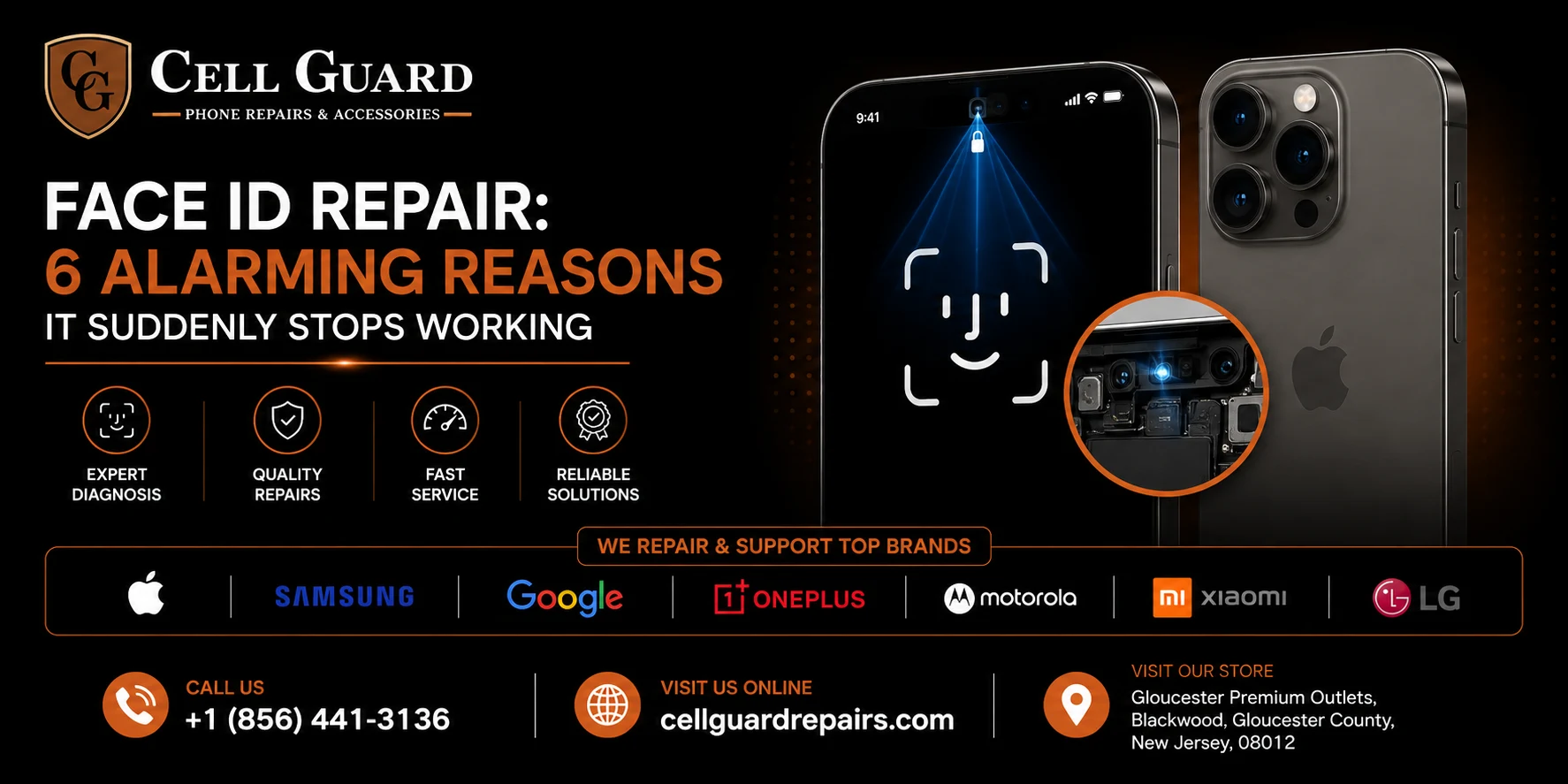
One minute your phone unlocks with a glance. The next, you’re staring at it like a stranger, typing in your passcode for the tenth time that day. If Face ID has suddenly stopped recognizing you, you’re probably already searching for answers about Face ID repair — and the good news is, you’re in the right place.
Face ID feels like magic when it works. A quick glance, a soft click, and you’re in. It’s one of those features you don’t appreciate until it’s gone. And when it does stop working, it doesn’t just feel like an inconvenience — it feels like your phone is broken in some deeper, more mysterious way than a cracked screen or a slow charge.
Here’s the reassuring part: in a large number of cases, Face ID failure isn’t as catastrophic as it feels. Sometimes it’s a software hiccup that clears up with a simple reset. Other times it’s dust, a smudge, or a case blocking the sensor. And occasionally, it does come down to hardware — a damaged component that genuinely needs a professional Face ID repair to get working again.
This guide breaks down exactly why Face ID stops working, what you can try yourself before booking an appointment anywhere, and when it’s time to bring the phone in for a proper Face ID repair.
How Face ID Actually Works (And Why It’s So Sensitive)
To understand why Face ID breaks, it helps to understand how genuinely complex it is under the hood. Face ID isn’t just a camera taking a photo and comparing it to a saved image. It relies on a small cluster of components packed into the top notch or dynamic island area of the phone, often referred to as the TrueDepth camera system.
This system includes an infrared camera, a flood illuminator, a dot projector that beams over 30,000 invisible infrared dots onto your face to map its structure, and a proximity sensor that helps everything work together. All of these tiny parts have to function in perfect sync every single time you glance at your phone.
Because there are so many small, precise components working together, it doesn’t take much to throw the whole system off. A hairline crack near the sensor, a bit of moisture, or even a software update gone wrong can all be enough to disrupt Face ID. That’s exactly why Face ID repair is such a specialized job — it’s rarely just “one thing” that’s broken, and diagnosing it correctly matters.
6 Common Reasons Face ID Stops Working
If your phone is no longer recognizing your face reliably, one or more of these is very likely the reason.
1. Something Is Physically Blocking the Sensors
This is the most common culprit, and the easiest to rule out. A phone case that sits slightly too high, a screen protector that isn’t cut properly around the notch, or even a thick layer of dust and pocket lint can interfere with the TrueDepth camera’s ability to read your face.
Take off your case, gently wipe the top of your screen with a clean microfiber cloth, and try again. It sounds almost too simple, but this single step resolves a surprising number of Face ID complaints.
2. A Cracked or Damaged Screen Near the Notch
If your phone has taken a drop or has a crack running anywhere near the top of the screen, there’s a real chance it’s affecting the sensors underneath, even if the crack itself looks minor. The TrueDepth components sit just beneath the glass in that area, and physical damage — even damage that hasn’t fully shattered the screen — can misalign or damage them.
This is one of the more frequent reasons people end up needing a genuine Face ID repair rather than a quick settings fix, especially if the phone has been dropped face-down recently.
3. Recent Software Update Glitches
Apple periodically pushes iOS updates that can, occasionally, introduce bugs affecting Face ID temporarily. If your phone was working fine and then suddenly started struggling with facial recognition right after an update, software is a likely suspect before hardware is.
In these cases, restarting the phone, or in some instances resetting Face ID entirely and re-enrolling your face, often resolves the issue without needing any physical repair at all.
4. Water or Moisture Exposure
Even phones with water resistance ratings aren’t fully immune to moisture finding its way into sensitive components. If your phone was recently caught in the rain, dropped in a sink, or exposed to high humidity, moisture can interfere with the infrared sensors or the dot projector.
Sometimes this resolves on its own once the phone fully dries out over a day or two. Other times, moisture causes lasting damage that requires an actual Face ID repair to correct, particularly if corrosion has started to form on internal connectors.
5. A Previous Screen Replacement Wasn’t Done Correctly
Here’s something a lot of people don’t realize: not every screen replacement preserves Face ID functionality. The TrueDepth camera system is deeply integrated with specific components near the top of the display, and if a screen was swapped out at a shop that doesn’t handle this carefully, Face ID can stop working as a direct result — sometimes immediately, sometimes weeks later as a connector works itself loose.
If your Face ID issues started shortly after a screen repair somewhere else, this is worth mentioning to whoever you take it to next, since it changes the diagnosis significantly.
6. Genuine Hardware Failure
Sometimes, despite no drops, no water exposure, and no recent repairs, a component within the TrueDepth system simply fails. Electronics do wear out, and a flood illuminator or dot projector can stop functioning correctly due to a manufacturing defect or age-related wear, particularly on older phone models that have been in daily use for several years.
In this scenario, there’s no shortcut — a proper diagnostic and Face ID repair from someone who understands the TrueDepth system is genuinely the only way forward.
What to Try Before Booking a Repair
Before assuming the worst, it’s worth ruling out the easy stuff. None of the following takes more than a few minutes, and together they solve a large share of Face ID complaints without any repair at all.
Clean the sensor area thoroughly. Use a dry, clean microfiber cloth and gently wipe the entire top edge of the screen, including the notch or dynamic island area. Even invisible smudges from your fingers or face can interfere.
Remove your case and screen protector temporarily. Test Face ID without either one. If it suddenly works fine, the case or protector was the problem, and you may just need a different, properly-fitted one going forward.
Restart your phone. It sounds basic, but a simple restart clears temporary software glitches that can affect Face ID without any underlying hardware issue at all.
Check for a pending iOS update. Go into your settings and see if there’s an update waiting. Apple frequently patches bugs, including ones affecting Face ID, in point releases.
Reset Face ID and set it up again. Head into Face ID settings, remove your current facial data, and re-enroll from scratch. Lighting conditions, facial hair changes, or even wearing glasses inconsistently during setup can sometimes cause recognition issues that a fresh setup resolves.
Try Face ID in different lighting. Extremely bright, direct sunlight or complete darkness can occasionally cause temporary recognition trouble, since the system relies on infrared readings that lighting can, in rare cases, interfere with.
If you’ve worked through all of these and Face ID is still unreliable or completely non-functional, that’s a strong sign you’re dealing with a genuine hardware issue, and it’s time to look into professional Face ID repair.
Signs You Need a Professional Face ID Repair
Here’s a simple checklist. If two or more of these apply to you, stop troubleshooting on your own and get the phone properly diagnosed.
- Face ID stopped working suddenly after a drop or impact
- There’s a visible crack anywhere near the top of the screen
- The phone was recently exposed to water, rain, or high humidity
- You had a screen replaced somewhere else shortly before the issue started
- Face ID fails consistently regardless of lighting, angle, or cleaning
- You see an error message specifically referencing Face ID or the camera system
- Restarting and re-enrolling your face hasn’t made any difference
Any one of these on its own might resolve itself, but taken together, they usually point toward something that needs hands-on attention rather than another software tweak.
What Happens During a Face ID Repair
If you’ve never had this kind of repair done before, here’s roughly what the process looks like at a shop that knows what it’s doing.
1. Diagnostic testing. A technician runs a full check of the TrueDepth camera system to identify exactly which component — the dot projector, flood illuminator, infrared camera, or a connector — is causing the failure.
2. Physical inspection. The phone is opened carefully, since these components sit close to the screen assembly and require precision to access without causing further damage.
3. Component repair or replacement. Depending on what’s found, this might involve reseating a loose connector, cleaning corrosion from moisture exposure, or replacing a failed sensor component entirely.
4. Calibration and testing. Because Face ID relies on precise depth mapping, everything is tested thoroughly after reassembly to confirm the system reads facial data accurately and consistently before the phone is handed back.
This isn’t a five-minute fix like a screen protector swap, but for most cases, it’s also nowhere near as involved as people assume — often completed within the same day, depending on what the diagnostic reveals.
Why Face ID Repair Requires Real Technical Skill
It’s worth being upfront about something: Face ID repair isn’t something every phone repair shop is equipped to handle well. Because the TrueDepth system is made up of components that are specifically paired to your individual phone during manufacturing, replacing or repairing them isn’t as simple as swapping in a generic part.
This is part of the reason some general repair shops will replace a cracked screen but tell you Face ID “just won’t work anymore” afterward — they may not have the tools, parts, or experience to preserve or restore that functionality properly. A shop that specializes in this kind of Face ID repair understands these nuances and takes the extra steps needed to get the feature working again, not just the screen.
If you’re comparing repair options, it’s a fair question to ask directly: has this shop handled Face ID repairs specifically, and can Face ID be tested before you leave? A shop confident in its work won’t mind you asking.
Can Face ID Always Be Fixed?
Honestly, not always — but it’s fixable far more often than people assume. Cleaning issues, software glitches, and case interference resolve in minutes with no repair needed at all. Loose connectors and moisture-related corrosion are frequently repairable with the right tools and expertise.
The cases where Face ID genuinely can’t be restored are less common, and usually involve significant physical damage to multiple components at once, often alongside other major issues like a shattered screen or severe water damage throughout the phone. Even then, a proper diagnostic will tell you definitively rather than leaving you guessing.
A Word on Cost
Face ID repair costs vary depending on what’s actually wrong. A simple cleaning or software reset costs nothing at all. A connector reseating or minor component fix tends to be a modest repair cost. A full sensor replacement, particularly alongside a cracked screen, will run higher, but is still typically far less than the cost of replacing the entire phone.
The best way to know for sure is a proper diagnostic, since guessing at the cost without knowing which component is actually affected rarely gives you an accurate picture either way.
Preventing Face ID Problems Going Forward
Once your Face ID is working properly again, a few small habits go a long way toward keeping it that way.
Use a properly fitted case and screen protector. Ill-fitting accessories are one of the leading causes of ongoing Face ID trouble, so it’s worth double-checking that whatever you’re using is designed specifically for your exact phone model.
Wipe the sensor area occasionally. Once a week or so, a quick wipe of the top of your screen keeps dust and oils from building up around the sensors.
Be mindful during drops. Obviously nobody drops their phone on purpose, but if you do drop it, even without visible damage, it’s worth testing Face ID right away so any issue gets caught early rather than months later.
Keep your software updated. Since Apple regularly patches bugs, staying current on iOS updates helps avoid some of the software-related hiccups that affect Face ID.
Avoid extreme temperatures. Leaving your phone in a hot car or exposing it to freezing temperatures for extended periods can stress internal components over time, including the sensors Face ID depends on.
Frequently Asked Questions About Face ID Repair
Will a Face ID repair erase my data?
No. Face ID repair is a hardware-focused fix, and your photos, apps, and personal data remain untouched throughout the process. Your Face ID enrollment itself will need to be set up again afterward, which takes about 30 seconds.
Why did Face ID stop working right after I got my screen replaced elsewhere?
This is common when a shop isn’t experienced with preserving TrueDepth components during a screen swap. It’s one of the most frequent reasons people seek out a specialized Face ID repair shortly after a screen replacement done elsewhere.
Is it safe to keep using my phone if Face ID isn’t working?
Yes, you can still use your passcode to unlock the phone normally. Face ID not working isn’t a safety issue on its own, though it’s worth investigating if it happened suddenly, since it could point to a bigger underlying issue.
Can I fix Face ID myself at home?
Cleaning the sensor and resetting your facial data are safe to try yourself. Anything beyond that — opening the phone or touching internal components — is best left to a professional, since the TrueDepth system is delicate and easy to damage further without the right tools.
How do I know if it’s the dot projector or the flood illuminator that’s broken?
Both play different roles, and pinpointing which one has failed requires proper diagnostic equipment. This is exactly why a hands-on inspection matters more than guessing based on symptoms alone.
Does every iPhone model handle Face ID repair the same way?
Not exactly. Newer models have made some updates to how the TrueDepth system is built, so a technician experienced across different iPhone generations will know the specific quirks of your particular model.
Getting a Reliable Face ID Repair Near You
If you’ve gone through the troubleshooting steps above and Face ID is still giving you trouble, it’s probably time for an actual diagnostic rather than more guessing. At Cell Guard, getting to the bottom of a Face ID issue usually starts with a quick, honest look at what’s actually going on with your phone before anything gets opened up.
The team routinely handles Face ID repair alongside screen replacements, water damage recovery, and other precision repairs, so if your issue turns out to be connected to something else entirely, that gets caught and explained clearly rather than guessed at. You can browse the full list of what’s offered on the services page, or read a bit more about the shop over on the about page.
Booking ahead is simple — just fill out the repair request form with a quick description of what’s happening, and the shop can have things ready to go before you even arrive.
For anyone stopping by in person, the store is located here:
Have a question before heading in? Reach out directly:
📞 Call now: +1 (856) 441-3136
✉️ Email: aroracases@gmail.com
There’s more where this came from on the blog, or head to the contact page if you’d rather ask something specific first.
The Bottom Line
Face ID stopping working can feel unsettling, especially since it’s so tied to how you interact with your phone dozens of times a day. But more often than not, the fix is a lot simpler than it feels in the moment — a clean sensor, a software reset, or a properly fitted case solves it more often than people expect.
When it doesn’t, a proper Face ID repair from someone who genuinely understands the TrueDepth system can restore the feature completely, without needing to replace the entire phone or lose any of your data along the way. The key is knowing which category your situation falls into, and that starts with a real diagnostic rather than a guess.
If Face ID on your phone has stopped cooperating and nothing you’ve tried has worked, it might be time to get it looked at properly. You can see more of what past customers have experienced on our Google profile, and reach out whenever you’re ready.
 by
by