
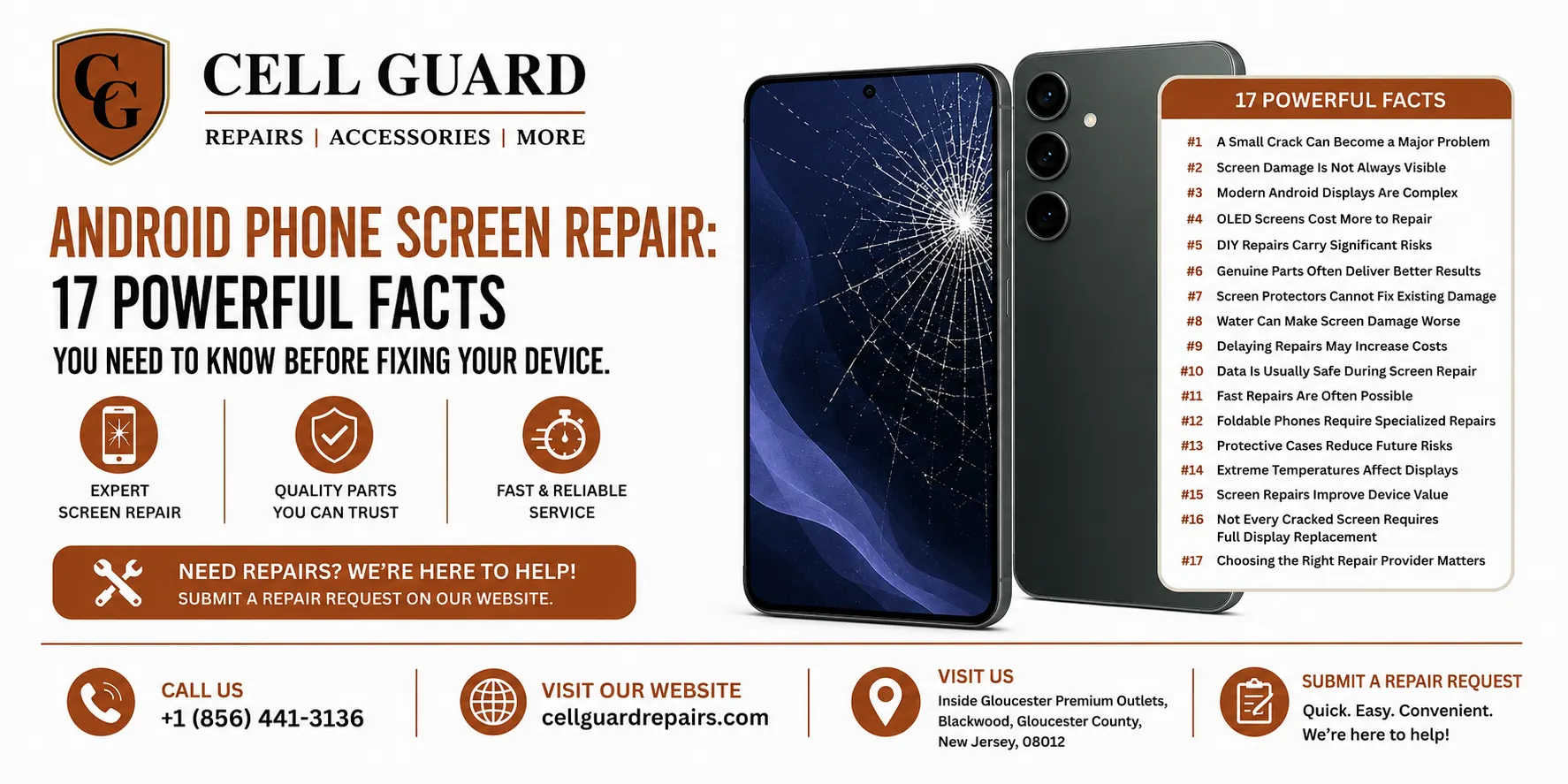
Smartphones have become an essential part of everyday life, helping us communicate, work, shop, navigate, and stay entertained. Unfortunately, accidents happen. A single drop can leave you dealing with a cracked display, unresponsive touch controls, or a completely shattered screen. That’s why understanding Android phone screen repair is important before making any repair decisions.
Whether you have a Samsung Galaxy, Google Pixel, Motorola, OnePlus, LG, TCL, Nokia, or another Android device, screen damage is one of the most common issues users face. This guide explains everything you need to know about Android phone screen repair, including causes of damage, repair options, costs, risks, preventive measures, and how to choose the right repair service.
If your Android screen has recently cracked or stopped functioning properly, this article will help you make an informed decision while protecting your investment.
Why Android Screens Get Damaged So Often
Modern smartphones feature advanced display technologies that deliver impressive visuals, but they are still vulnerable to physical damage.
Common causes include:
- Accidental drops
- Sitting on the phone
- Heavy impacts
- Pressure inside pockets or bags
- Water damage affecting the display
- Manufacturing defects
- Exposure to extreme temperatures
Even devices protected by Gorilla Glass can suffer damage when dropped at the wrong angle. As a result, Android phone screen repair remains one of the most requested smartphone repair services worldwide.
Fact #1: A Small Crack Can Become a Major Problem
Many users continue using their devices after noticing a minor crack. While this may seem harmless initially, small cracks often spread over time.
Risks include:
- Increased screen fragility
- Reduced visibility
- Touch sensitivity problems
- Moisture entering the device
- Potential injury from glass splinters
Addressing Android phone screen repair early can prevent more expensive issues later.
Fact #2: Screen Damage Is Not Always Visible
Not all display problems involve visible cracks.
Hidden screen damage may include:
Dead Pixels
Small black or colored dots that remain permanently visible.
Touch Failure
Areas of the screen stop responding to touch.
Display Bleeding
Dark patches or colored streaks appear beneath the glass.
Flickering Screens
Rapid brightness fluctuations affect usability.
Professional diagnostics can determine whether you need glass replacement, display replacement, or complete Android phone screen repair.
Fact #3: Modern Android Displays Are Complex
Today’s Android devices contain multiple display layers:
- Protective glass
- Digitizer (touch sensor)
- OLED or LCD panel
- Adhesive layers
- Display connectors
Because these components work together, screen repairs require specialized tools and expertise.
Attempting DIY Android phone screen repair without proper knowledge can result in additional damage.
Fact #4: OLED Screens Cost More to Repair
Premium Android phones often use OLED displays.
Examples include:
- Samsung Galaxy S Series
- Samsung Galaxy Z Series
- Google Pixel Pro Models
- OnePlus Flagships
OLED technology delivers:
- Better contrast
- Richer colors
- Improved energy efficiency
However, OLED panels are significantly more expensive to replace than traditional LCD displays. This affects the overall cost of Android phone screen repair.
Fact #5: DIY Repairs Carry Significant Risks
Online tutorials make screen replacement appear easy.
In reality, repairs often involve:
- Heat guns
- Precision tools
- Delicate connectors
- Waterproof seals
- Specialized adhesives
Common DIY mistakes include:
- Damaging internal cables
- Breaking the display during installation
- Battery punctures
- Poor screen alignment
- Loss of water resistance
For most users, professional Android phone screen repair is safer and more cost-effective.
Fact #6: Genuine Parts Often Deliver Better Results
Not all replacement screens are equal.
Repair providers may offer:
OEM Parts
Produced by the original manufacturer or equivalent suppliers.
Aftermarket Parts
Third-party replacements with varying quality.
Benefits of quality components include:
- Better brightness
- Improved touch response
- Accurate colors
- Greater durability
- Longer lifespan
When considering Android phone screen repair, always ask about replacement part quality.
Fact #7: Screen Protectors Cannot Fix Existing Damage
Many users hope a tempered glass protector will hide cracks.
While protectors may prevent further spreading temporarily, they cannot repair:
- Shattered glass
- Touch issues
- Display discoloration
- Dead pixels
A damaged display still requires proper Android phone screen repair.
Fact #8: Water Can Make Screen Damage Worse
A cracked screen creates openings where moisture can enter.
Water intrusion may damage:
- Display connectors
- Charging ports
- Internal circuits
- Batteries
Even light exposure to moisture can transform a simple repair into a major restoration project.
Prompt Android phone screen repair reduces this risk significantly.
Fact #9: Delaying Repairs May Increase Costs
Users often postpone repairs because the device remains usable.
Unfortunately, cracks tend to worsen.
Potential consequences include:
- Larger shattered areas
- Complete display failure
- Internal component damage
- Reduced resale value
Scheduling Android phone screen repair sooner rather than later can save money.
Fact #10: Data Is Usually Safe During Screen Repair
One of the most common concerns involves personal data.
In most cases, screen replacement does not affect:
- Photos
- Videos
- Contacts
- Apps
- Documents
However, creating a backup before any repair is always recommended.
Professional Android phone screen repair generally focuses only on display components.
Fact #11: Fast Repairs Are Often Possible
Many Android screen repairs can be completed quickly.
Repair times depend on:
- Device model
- Parts availability
- Severity of damage
- Additional issues discovered
Popular Android devices frequently have replacement components readily available, allowing efficient Android phone screen repair.
Fact #12: Foldable Phones Require Specialized Repairs
Foldable Android devices introduce unique challenges.
Examples include:
- Samsung Galaxy Z Fold
- Samsung Galaxy Z Flip
Repairing these displays requires:
- Specialized tools
- Manufacturer-specific procedures
- Flexible OLED expertise
Always seek experienced technicians when arranging Android phone screen repair for foldable devices.
Fact #13: Protective Cases Reduce Future Risks
After completing Android phone screen repair, prevention becomes the next priority.
Recommended protection includes:
Shock-Absorbing Cases
Help distribute impact forces.
Tempered Glass Protectors
Reduce direct screen contact during drops.
Raised Bezels
Protect screen edges.
Quality Construction
Improves long-term durability.
While no protection is perfect, quality accessories significantly reduce future damage.
Fact #14: Extreme Temperatures Affect Displays
Android screens are sensitive to environmental conditions.
Excessive heat may cause:
- Display discoloration
- Battery swelling
- Adhesive failure
Extreme cold can lead to:
- Reduced responsiveness
- Temporary display issues
Protecting your phone from harsh conditions helps reduce the need for future Android phone screen repair.
Fact #15: Screen Repairs Improve Device Value
If you’re planning to sell or trade your phone, screen condition matters greatly.
Benefits of repair include:
- Better resale value
- Increased buyer confidence
- Improved appearance
- Higher trade-in offers
Investing in Android phone screen repair may help recover more value when upgrading later.
Fact #16: Not Every Cracked Screen Requires Full Display Replacement
Depending on the damage, technicians may recommend:
Glass-Only Repair
Suitable when the display and touch functions remain intact.
Full Screen Assembly Replacement
Necessary when display layers are damaged.
Professional evaluation ensures the most appropriate Android phone screen repair solution.
Fact #17: Choosing the Right Repair Provider Matters
The quality of the repair often depends on the technician performing the work.
Look for:
- Experienced technicians
- Positive customer reviews
- Quality replacement parts
- Transparent pricing
- Warranty options
- Strong customer service
Choosing a trusted provider can make your Android phone screen repair experience smoother and more reliable.
Signs You Need Immediate Screen Repair
Seek professional assistance if you notice:
- Visible cracks
- Black spots
- Screen flickering
- Touch delays
- Display discoloration
- Glass separating from the frame
- Unresponsive sections
- Sharp exposed glass
Ignoring these symptoms may lead to more extensive damage.
How to Protect Your Android Phone After Repair
Follow these best practices:
Use a Tempered Glass Protector
Provides an additional impact layer.
Invest in a Quality Case
Choose models designed for drop protection.
Avoid Overcrowded Pockets
Pressure can damage displays.
Keep Phones Away from Water
Moisture remains a major threat.
Handle Carefully During Charging
Prevent accidental falls from tables or desks.
These habits help maximize the lifespan of your repaired device.
Why Local Repair Shops Remain a Popular Choice
Many users prefer working with local repair professionals because they offer:
- Personalized service
- Faster turnaround times
- Convenient communication
- In-person diagnostics
- Immediate support if concerns arise
Residents and visitors near Gloucester Premium Outlets often appreciate having access to knowledgeable repair specialists nearby when dealing with Android screen damage.
Professional Android Phone Screen Repair in Blackwood, NJ
If you’re experiencing screen issues and need reliable assistance, Cell Guard provides repair solutions for many Android devices while focusing on quality workmanship and customer service.
Store Location
Helpful Links
- Home: https://cellguardrepairs.com/
- About Us: https://cellguardrepairs.com/about/
- Services: https://cellguardrepairs.com/services/
- Blog: https://cellguardrepairs.com/blog/
- Contact: https://cellguardrepairs.com/contact/
- Repair Form: https://cellguardrepairs.com/#repairform
Conclusion
A damaged Android screen can be frustrating, but understanding the repair process helps you make better decisions. Whether you’re dealing with a small crack, touch sensitivity issues, dead pixels, or a completely shattered display, timely Android phone screen repair can restore functionality, improve safety, and extend the life of your device.
Remember that delaying repairs often increases costs, while professional service can help protect both your device and your data. By choosing experienced technicians, using quality replacement parts, and taking preventive measures after repair, you can keep your Android phone performing at its best for years to come.
Need Help With Your Device?
📞 Call Now
📧 Email Us
🛠️ Schedule a Repair
https://cellguardrepairs.com/#repairform
 by
by