
Introduction
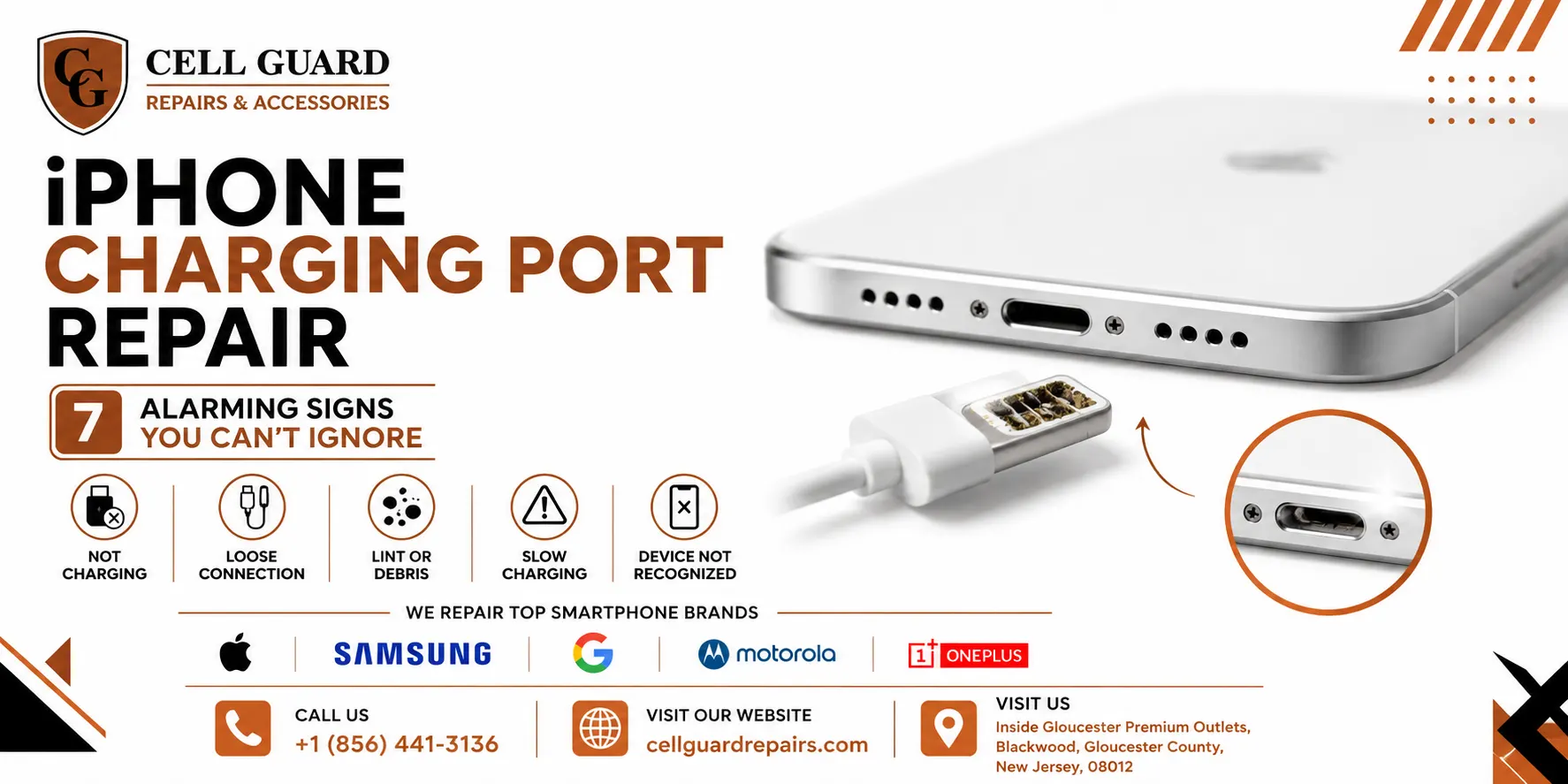
If you’ve been searching for iPhone charging port repair, chances are your phone has started acting up in ways that are hard to explain away. Maybe the cable has to sit at a strange angle to charge, or maybe it’s stopped charging altogether. Either way, that little port at the bottom of your phone is more important — and more fragile — than most people realize.
The charging port isn’t just where your cable plugs in. It’s also how your phone communicates with accessories, transfers data, and in some models, even connects to certain diagnostic tools. When it starts failing, the symptoms can show up in places you wouldn’t expect, from battery percentage glitches to a phone that won’t turn on at all.
In this guide, we’ll walk through the clearest signs that you need iPhone charging port repair, what typically causes port damage in the first place, and how to tell the difference between a simple fix and a more involved one. By the end, you’ll have a much better sense of what’s going on with your phone and what to do next.
Why the Charging Port Takes So Much Abuse
Think about how many times a day you plug and unplug your phone. Now multiply that by months or years of daily use, and it’s easy to see why this small component takes more physical wear than almost any other part of your iPhone.
Every plug-in creates tiny friction points inside the port. Add in dust, lint from pockets and bags, and the occasional drop, and the pins inside the port can bend, corrode, or become blocked far sooner than most people expect. This is exactly why iPhone charging port repair is one of the most common services requested at repair shops.
Unlike a cracked screen, port damage isn’t always visible from the outside. That’s part of what makes it tricky — you often don’t know something’s wrong until charging becomes unreliable or stops working entirely.
1. Your Phone Only Charges at a Specific Angle
This is one of the most telling signs that you need iPhone charging port repair. If you find yourself propping your phone up, holding the cable at an odd tilt, or wedging something underneath it just to get a charge going, the internal pins inside the port have likely bent or shifted out of place.
When pins aren’t making a solid, even connection, your phone may charge intermittently or stop the moment the cable moves even slightly. This is frustrating on a good day and a real problem if you’re relying on your phone charging overnight.
What it usually means: Physical damage inside the port, often from repeated bending stress or a drop that jarred the internal connector.
2. Charging Is Slow or Inconsistent
Not every charging port issue is dramatic. Sometimes it’s subtle — your phone charges, but much more slowly than it used to, or it seems to randomly pause and resume throughout the night.
This kind of gradual decline often points toward corrosion or debris buildup rather than a single dramatic failure. Moisture exposure, even from humidity or light rain, can leave a thin residue inside the port that interferes with the connection over time.
If you’ve noticed your phone takes noticeably longer to charge than it did a year ago, it’s worth considering iPhone charging port repair before the issue progresses to a complete failure.
3. You Hear a Clicking or Grinding Sound When Plugging In
A healthy charging port should accept a cable smoothly, with a light, confident click. If you’re hearing scraping, grinding, or unusual resistance every time you plug in, something inside the port has likely shifted, bent, or become obstructed.
Forcing a cable into a port that doesn’t feel right can make the damage significantly worse, sometimes turning a simple cleaning into a full port replacement. If plugging in your phone has started to feel like a struggle, it’s a clear signal to stop forcing it and get the port checked.
4. Debris Is Visibly Blocking the Port
Sometimes the cause is refreshingly simple: pocket lint, dust, or small debris has packed itself into the port opening. This is especially common if you carry your phone in a pocket with loose change, keys, or fabric that sheds fibers easily.
A blocked port can prevent the cable from making proper contact even if nothing is actually broken inside. Many people mistake this for a more serious hardware issue when it’s really more of a cleaning problem — though it’s one that needs to be handled carefully to avoid pushing debris deeper or damaging delicate pins.
What it usually means: A cleaning is likely needed, though the process is best done with the right tools rather than a pin or toothpick, which can bend pins or scratch internal contacts.
5. Your Phone Shows a Liquid Detection Warning
If your iPhone has ever been exposed to moisture — a splash, humidity, or a brief drop in water — you may see a liquid detection alert warning you not to charge the device. This isn’t a glitch; it’s a genuine safety feature designed to prevent short circuits.
Even after the warning disappears, moisture or the mineral residue it leaves behind can affect how well the port makes contact with a charging cable. If charging problems started around the same time as any exposure to liquid, this is very likely connected, and it’s a strong reason to seek iPhone charging port repair rather than waiting to see if it resolves on its own.
6. The Port Looks Bent, Discolored, or Corroded
A quick visual check can tell you a lot. If you look closely at your charging port and notice discoloration, a greenish or white residue, or pins that appear bent or misaligned, this is a clear physical sign of damage.
Corrosion in particular tends to spread if left untreated, gradually affecting more of the internal connector. What might be a simple cleaning today can become a full port replacement in a few months if the corrosion isn’t addressed.
What it usually means: Moisture exposure or long-term buildup has begun affecting the metal contacts, and professional cleaning or repair is the safest next step.
7. Your Phone Won’t Charge At All
This is the most obvious sign, but it’s worth including because people often try dozens of cables, chargers, and outlets before considering that the phone itself might be the problem, not the accessories.
If you’ve tested multiple charging cables and power adapters, restarted your phone, and still see no response when plugging in, the charging port itself is very likely the source of the issue. At this stage, iPhone charging port repair typically isn’t optional — it’s the only way to get reliable charging back.
Simple Checks Before Assuming the Worst
Before jumping straight to repair, there are a few things worth ruling out:
- Try a different charging cable and wall adapter.
- Inspect the port with a flashlight for visible lint or debris.
- Gently clean the port opening using a soft, dry brush — never anything metal or sharp.
- Restart your phone fully rather than just plugging it back in.
- Test wireless charging if your model supports it, to see if the issue is isolated to the port.
If none of these steps help, it’s a strong indication that the issue lies inside the port itself, and iPhone charging port repair is the more realistic next step.
Why DIY Cleaning Can Sometimes Make Things Worse
It’s tempting to grab a pin, paperclip, or toothpick and try to clear out the port yourself. In mild cases, this occasionally helps. But the pins inside an iPhone’s charging port are extremely thin and easy to bend permanently with the wrong tool or too much pressure.
Once a pin is bent, it usually can’t be gently coaxed back into place — often making the eventual professional repair more complicated and, sometimes, more expensive than if the port had simply been left alone and assessed by someone experienced.
If you’ve already tried a gentle cleaning with a soft brush and the problem persists, it’s generally safer to stop there and have a technician take a proper look rather than escalating the DIY approach.
What Professional Port Repair Actually Involves
A proper iPhone charging port repair typically starts with a full diagnostic to confirm the port is actually the source of the problem, since battery issues and software glitches can sometimes mimic charging port symptoms.
From there, a technician will usually clean the port thoroughly with specialized tools designed not to bend or scratch internal pins. If the port itself is damaged beyond a simple cleaning, the connector may need to be replaced entirely, which involves careful disassembly of the phone’s lower assembly.
This is a precise job, and it’s one of those repairs where experience matters. A rushed or careless attempt can affect nearby components, including the microphone or speaker, which are often located close to the charging port module.
How Long Does Charging Port Repair Usually Take?
Many charging port issues, especially those caused by debris or minor corrosion, can be resolved in under an hour once diagnosed correctly. Cases involving a full port replacement may take a bit longer, depending on the model and part availability.
Either way, most iPhone charging port repair appointments are same-day, which is one of the advantages of visiting a local shop rather than mailing your phone off and waiting for it to be shipped back.
Signs the Problem Might Not Be the Port at All
It’s worth mentioning that not every charging issue is actually about the port. A few other possibilities worth ruling out include:
- A worn-out or damaged charging cable
- A faulty wall adapter or power source
- A battery nearing the end of its lifespan
- Software issues following a recent update
A proper diagnostic can quickly separate these possibilities from an actual port issue, which is why guessing at home for too long isn’t always the most efficient approach.
Preventing Charging Port Damage Going Forward
Once your charging issue is resolved, a few simple habits can help avoid a repeat visit:
- Avoid yanking the cable out at an angle; unplug it straight.
- Keep your phone in a pocket or bag that doesn’t collect much lint.
- Wipe down the port occasionally with a dry, soft brush.
- Avoid charging your phone in humid environments when possible.
- Use quality, properly fitted cables rather than loose or worn ones.
None of these guarantee your port will never need attention again, but they can meaningfully extend the time between issues.
Why It’s Worth Getting This Looked at Sooner Rather Than Later
A charging port issue rarely improves on its own. In fact, most of the symptoms above tend to get worse over time as pins bend further, corrosion spreads, or debris packs in tighter. Waiting it out often just means the eventual repair takes a little longer or costs a little more.
This is exactly the kind of everyday device problem that’s meant to be solved quickly and correctly, rather than lived with for months. If you’re in the South Jersey area, the team at Cell Guard handles charging port issues on iPhones and other devices regularly, and can usually diagnose the cause with a quick look.
What to Expect When You Bring Your Phone In
Bringing your phone in for iPhone charging port repair typically starts with a short conversation about your symptoms — when the issue started, whether it’s constant or occasional, and whether you’ve noticed any liquid exposure or drops. This helps narrow down the likely cause before the phone is even opened.
From there, a technician can usually give you a clear answer on whether you’re looking at a simple cleaning or a full port replacement, along with a realistic timeframe. If you’d like to see the range of repairs typically handled in-store, you can check out Cell Guard’s services page for more detail.
Why Choosing a Local Shop Makes Sense
Mailing your phone to a manufacturer or a large repair chain often means being without your device for a week or more, along with the risk that comes with shipping something fragile. A local shop can typically diagnose and often repair the same issue same-day.
If you’re near Blackwood, New Jersey, Cell Guard is located next to UGG’s at 100 Premium Outlets Dr Store #785, Gloucester Premium Outlets, Blackwood, NJ 08012, United States. You can find directions here if you’d like to stop by in person.
Walking in and showing exactly what’s happening with your phone is often more useful than trying to describe the issue over the phone, especially for something as detail-dependent as charging port damage.
Frequently Asked Questions
Can a charging port be cleaned instead of replaced?
In many cases, yes. Debris and light corrosion can often be cleaned out without needing a full replacement, though a proper diagnostic is the only way to know for sure.
Is charging port damage covered under warranty?
This depends on the cause and your device’s warranty status. Damage from drops, moisture, or general wear is typically not covered, while manufacturing defects sometimes are.
How much does iPhone charging port repair usually cost?
Costs vary depending on whether the issue is a cleaning or a full port replacement, as well as your specific iPhone model. It’s best to get an exact quote after a diagnostic.
Can I keep using my phone if charging is inconsistent?
You can, but inconsistent charging often gets worse over time, so it’s better addressed sooner rather than risking a full charging failure at an inconvenient moment.
Final Thoughts
Charging problems especially iPhone charging port repair, are one of those issues that tend to sneak up gradually, until one day your phone simply won’t charge at all. Whether you’re dealing with an odd angle, a slow charge, or a port that looks visibly damaged, these are all signs worth paying attention to rather than working around indefinitely.
If your phone has been giving you charging trouble lately, it’s worth having it looked at rather than waiting for the situation to become an emergency. You can browse more everyday tech explainers on the Cell Guard blog, learn more about the team on the About page, or reach out directly through the Contact page with any questions.
If you’re ready to get your phone checked out, you can start a repair request here, give the shop a call at +1 856 441 3136, or send an email to aroracases@gmail.com. Walk-ins are also welcome at the Gloucester Premium Outlets location in Blackwood, NJ.
You can also read more reviews and see what other customers have said on Cell Guard’s Google profile.
 by
by