
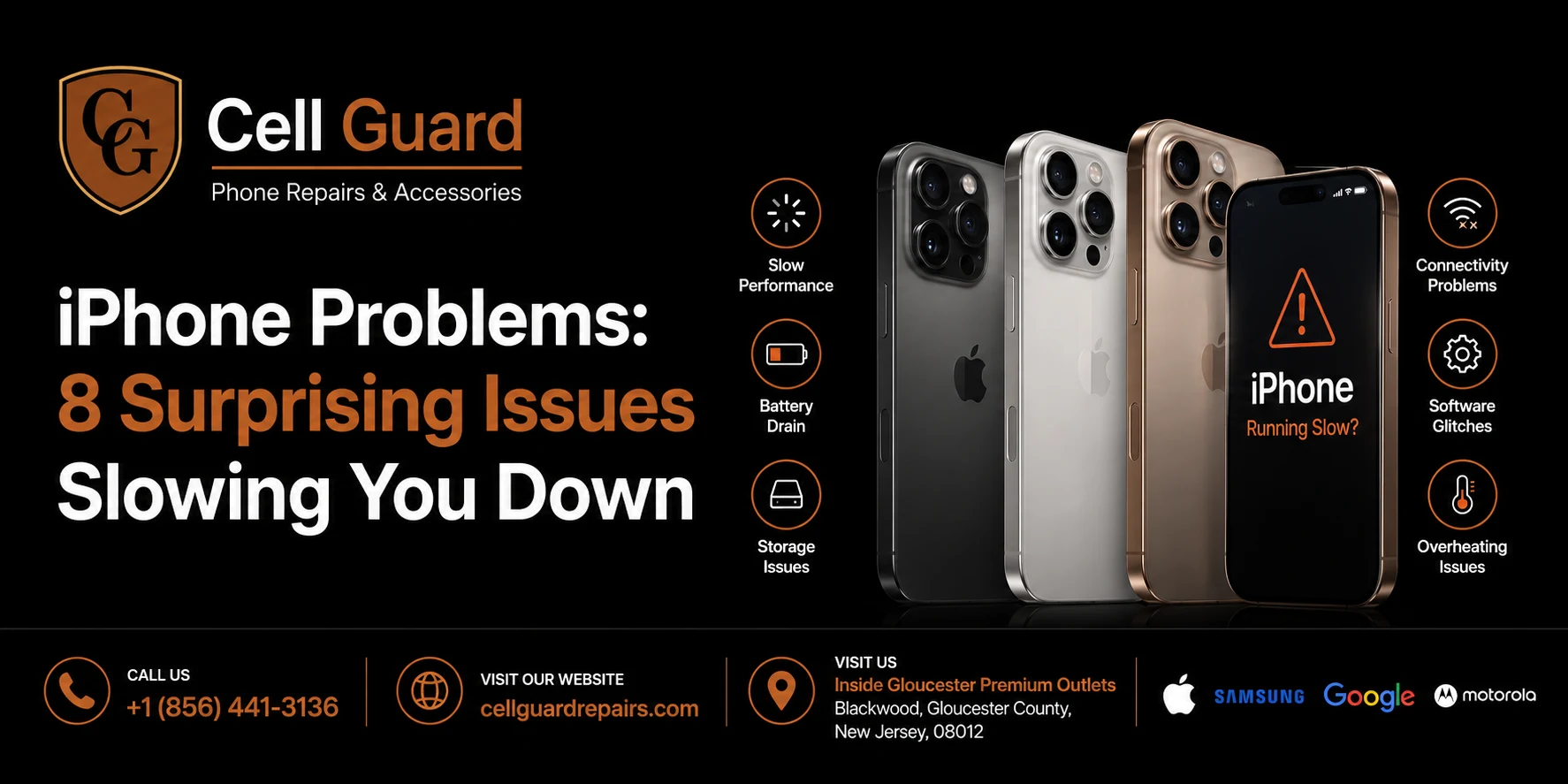
iPhone problems come up more often than most owners expect, even with a device known for being reliable. A screen that stops responding, a battery that drains faster than it used to, or a charging cable that suddenly won’t connect properly — these are the kinds of issues that show up week after week, no matter how careful someone is with their phone.
The reassuring part is that most iPhone problems have a clear cause, and once you know what to look for, many of them are easy to prevent. This guide covers the issues that come up the most, why they happen, and what you can do day to day to keep your iPhone running the way it should.
Why iPhone Problems Are So Common
An iPhone is a tightly packed piece of hardware — glass on both sides for many models, a sealed battery, a narrow charging port, and sensors squeezed into every corner. It travels with us everywhere: gym bags, back pockets, kitchen counters, car cupholders. That constant handling is exactly why certain iPhone problems repeat themselves across almost every model, from older SE devices to the newest Pro Max.
It also doesn’t help that a lot of these issues build up gradually. A phone doesn’t usually go from perfectly fine to broken overnight — it’s small habits, repeated daily, that eventually add up to a real problem. Let’s go through the ones that come up the most.
1. Cracked or Shattered Screens
This is, by a wide margin, the most common of all iPhone problems. A slip off a couch cushion or a drop onto pavement is often all it takes to crack the front glass, and on newer models, the back glass is just as vulnerable.
Why it happens:
- No case, or a case that doesn’t cover the edges
- Setting the phone on uneven or sloped surfaces
- Carrying the phone loose in a bag with keys or other hard objects
- Using the phone while walking or multitasking
How to prevent it:
A case with raised edges on both the front and back, paired with a tempered glass screen protector, prevents the vast majority of cracked-screen situations. It’s also worth building the habit of placing your phone down flat and deliberately, rather than tossing it onto a table or car seat.
If a crack does happen, it’s best not to keep using the phone as-is. Cracks can spread with pressure or a second drop, and loose glass shards are genuinely a safety concern for your fingers and face. Of all the iPhone problems on this list, this is the one where waiting almost always makes things worse rather than better.
2. Battery Drain and Poor Battery Health
A close second on the list of common iPhone problems is battery performance. A phone that once lasted all day suddenly needs a midday charge, or the battery percentage seems to drop unpredictably from 30% straight to shutting off.
Why it happens:
- Charging to 100% and leaving it plugged in overnight, repeatedly
- Using the phone heavily while it’s charging, which generates extra heat
- Leaving the phone in direct sun or a hot car
- Natural battery aging after hundreds of charge cycles
How to prevent it:
Try to keep your battery generally between 20% and 80% rather than constantly draining it fully or topping it all the way up. Avoid leaving your iPhone in hot environments, since heat is one of the fastest ways to wear down a battery’s long-term capacity. You can check your battery’s health under Settings, and if it’s dropped well below its original capacity, that’s a sign worth acting on before it becomes one of the more disruptive iPhone problems, like unexpected shutdowns during a call.
3. Charging Port and Cable Issues
Plugging in your phone and watching nothing happen is one of the more frustrating iPhone problems out there, and it’s also one of the more preventable ones. The cause is often something as simple as lint or debris.
Why it happens:
- Pocket lint building up inside the charging port over time
- Using cheap, uncertified cables that wear out quickly
- Pulling the cable out at an angle instead of straight
- Moisture exposure that leads to corrosion inside the port
How to prevent it:
Gently clearing the port every few weeks with a soft brush or a wooden toothpick (never metal) keeps debris from building up. Investing in an MFi-certified cable reduces wear on the port itself, and unplugging by holding the connector rather than yanking the cord helps too. A wireless charging pad is also a simple way to avoid this issue altogether, since there’s no port involved.
4. Water and Liquid Damage
Even with water resistance built into most modern iPhones, liquid damage remains one of the more common iPhone problems people run into. Water resistance ratings don’t mean a phone can handle unlimited exposure, and that distinction gets overlooked often.
Why it happens:
- Assuming a water-resistant rating means fully waterproof
- Using the phone near pools, sinks, or in heavy rain without care
- Spills from coffee, soda, or water glasses
- Condensation from sudden temperature changes
How to prevent it:
Treat your iPhone as water-resistant, not waterproof, regardless of its rating. If it does get wet, power it off right away, avoid charging it, and let it air dry for at least 24 to 48 hours before turning it back on. Skip the rice trick — it doesn’t actually pull out moisture effectively and can leave residue inside the ports.
5. Software Glitches and iOS Bugs
Not every issue is physical. A large share of iPhone problems today are software-related — apps crashing, the phone freezing, or everything feeling slower than it used to.
Why it happens:
- Too many apps running in the background at once
- Storage nearly full, leaving little room for the system to function properly
- Outdated iOS versions or apps that haven’t been updated
- Accumulated cache and temporary files
How to prevent it:
Restarting your phone regularly clears temporary files and gives the system a fresh start. Keep your storage below roughly 80% capacity, since performance tends to drop once a phone is nearly full. Update iOS and your apps when prompted, since updates often include fixes for exactly these kinds of bugs. If your iPhone still lags after all of that, there may be a deeper hardware issue worth having checked out.
6. Camera Problems
Blurry photos, a camera app that won’t open, or a lens that looks foggy are common complaints, and they’re some of the more visually obvious iPhone problems people notice right away.
Why it happens:
- Dust or debris trapped between the lens and a poorly fitted case
- Scratches on the lens from being carried with keys or coins
- Cracked lens glass from a drop
- Condensation trapped behind the lens after temperature changes
How to prevent it:
A case with a slightly raised edge around the camera module keeps the lens from making direct contact with surfaces. Wiping the lens gently with a microfiber cloth on a regular basis helps too, especially if the phone spends time in a bag with other items. Avoid using compressed air directly on the lens, since it can push debris further in rather than clearing it out.
7. Speaker and Microphone Issues
Muffled calls, tinny sound during videos, or a speaker that crackles at higher volumes are also frequent complaints. These iPhone problems are usually tied to debris buildup rather than a serious internal fault.
Why it happens:
- Lint and pocket debris clogging the speaker mesh
- Regularly playing audio at maximum volume, which stresses the speaker
- Liquid exposure affecting microphone sensitivity
- A case with cutouts that don’t align properly with the speakers
How to prevent it:
Gently clean the speaker grilles with a soft brush, and avoid keeping the volume maxed out for long stretches. Double-check that any case you use lines up correctly with your phone’s speaker and microphone openings, since a poor-fitting case can be mistaken for a hardware problem when it’s really just blocking sound.
8. Face ID and Touch ID Not Working
Fewer people expect this one, but it comes up more than you’d think. Face ID or Touch ID suddenly failing to recognize you is one of the more inconvenient iPhone problems, especially when it happens right before you need to unlock your phone quickly.
Why it happens:
- A cracked or heavily smudged screen interfering with the sensor
- A case or screen protector covering the Face ID sensor area
- Software glitches after an update
- Physical damage to the Face ID module from a drop
How to prevent it:
Keep the screen clean and avoid screen protectors that aren’t specifically designed to leave the Face ID sensor area uncovered. If Face ID or Touch ID stops working suddenly and a restart doesn’t fix it, that’s usually a sign of a hardware issue rather than something you can resolve with a settings change.
Everyday Habits That Prevent Most iPhone Problems
Looking at the bigger picture, a handful of simple habits go a long way toward preventing the majority of iPhone problems before they even start:
- Always use a case and screen protector. This alone prevents more issues than anything else on this list.
- Avoid extreme heat and cold. Both stress the battery and internal components over time.
- Keep iOS and apps updated. Apple regularly patches bugs that affect stability and performance.
- Don’t let your battery sit at 0% or 100% for long periods. Charge cycles add up more than people realize.
- Clean your phone regularly. Ports, speakers, and cameras all benefit from an occasional gentle wipe-down.
- Back up your data consistently. It won’t prevent a problem, but it makes any repair — or replacement — far less stressful.
None of these habits make a phone indestructible, but together they meaningfully cut down how often you’ll run into iPhone problems in the first place.
When to DIY and When to See a Professional
Clearing out a charging port or restarting your phone is something anyone can handle on their own. But once an issue involves opening the device, replacing a screen, swapping a battery, or addressing water damage, it’s usually best left to someone with the right tools and training.
Attempting a DIY screen swap without proper equipment can crack the display further or damage the internal connectors underneath it. Battery replacements involve handling components that can genuinely be dangerous if punctured. For anything beyond basic cleaning and settings adjustments, it’s worth getting a professional opinion before a small issue turns into a bigger one.
Most iPhone problems are manageable when they’re caught early and looked at by someone who actually knows what they’re dealing with. Waiting too long, or attempting a rushed fix at home, tends to be what turns a minor issue into an expensive one.
What to Look for in a Repair Shop
If you do reach the point where a professional repair makes sense, a few things separate a good experience from a frustrating one:
- A clear explanation of the issue. A good technician tells you what’s actually wrong before quoting a price.
- Quality replacement parts. Cheap components often lead to the same problem resurfacing within weeks.
- A reasonable turnaround time. Most common repairs, like screens or batteries, shouldn’t take more than an hour or two.
- Some form of warranty on the work. It shows the shop stands behind what they’ve done.
Local repair shops tend to have an edge here over mail-in services, since you can talk through the issue in person and walk out with a working phone the same day instead of shipping it off and waiting.
A Quick Word on Where to Get It Fixed
If you’re in the South Jersey area and dealing with any of the iPhone problems above, Cell Guard handles the full range of them — screens, batteries, charging ports, water damage, and more — with a focus on getting it right the first time. You can browse everything that’s covered on the services page, or read more about how the shop operates on the about page.
The store is located next to UGG’s, 100 Premium Outlets Dr Store #785, Gloucester Premium Outlets, Blackwood, NJ 08012, United States, making it an easy stop if you’re already out running errands at the outlets.
If you’d rather sort out the details before making the trip, you can start a repair request here and get an idea of cost and timing ahead of time. For quick questions, calling is usually the fastest way to get an answer — Call Now: (856) 441-3136 — or if you prefer writing things out, you can reach out by Email: aroracases@gmail.com.
Final Thoughts
iPhone problems are, for the most part, avoidable with a bit of everyday awareness. Cases, screen protectors, mindful charging habits, and regular cleaning cover the vast majority of issues before they ever start. But phones are tools we rely on constantly, and even the most careful owner will eventually run into something that needs a real fix.
When that happens, the goal isn’t just finding somewhere to get it fixed — it’s finding someone who explains the problem clearly, uses quality parts, and gets you back to a working phone without unnecessary delay. Whether it’s a same-day screen swap or figuring out why Face ID suddenly stopped working, a little bit of the right knowledge — paired with the right help when it counts — goes a long way toward keeping your iPhone running the way it should for years to come.
For more tips like these, feel free to browse the rest of the blog, or head over to the contact page if you have a specific question about your device.
You can also find more reviews and updates on the Cell Guard Google profile.
 by
by