
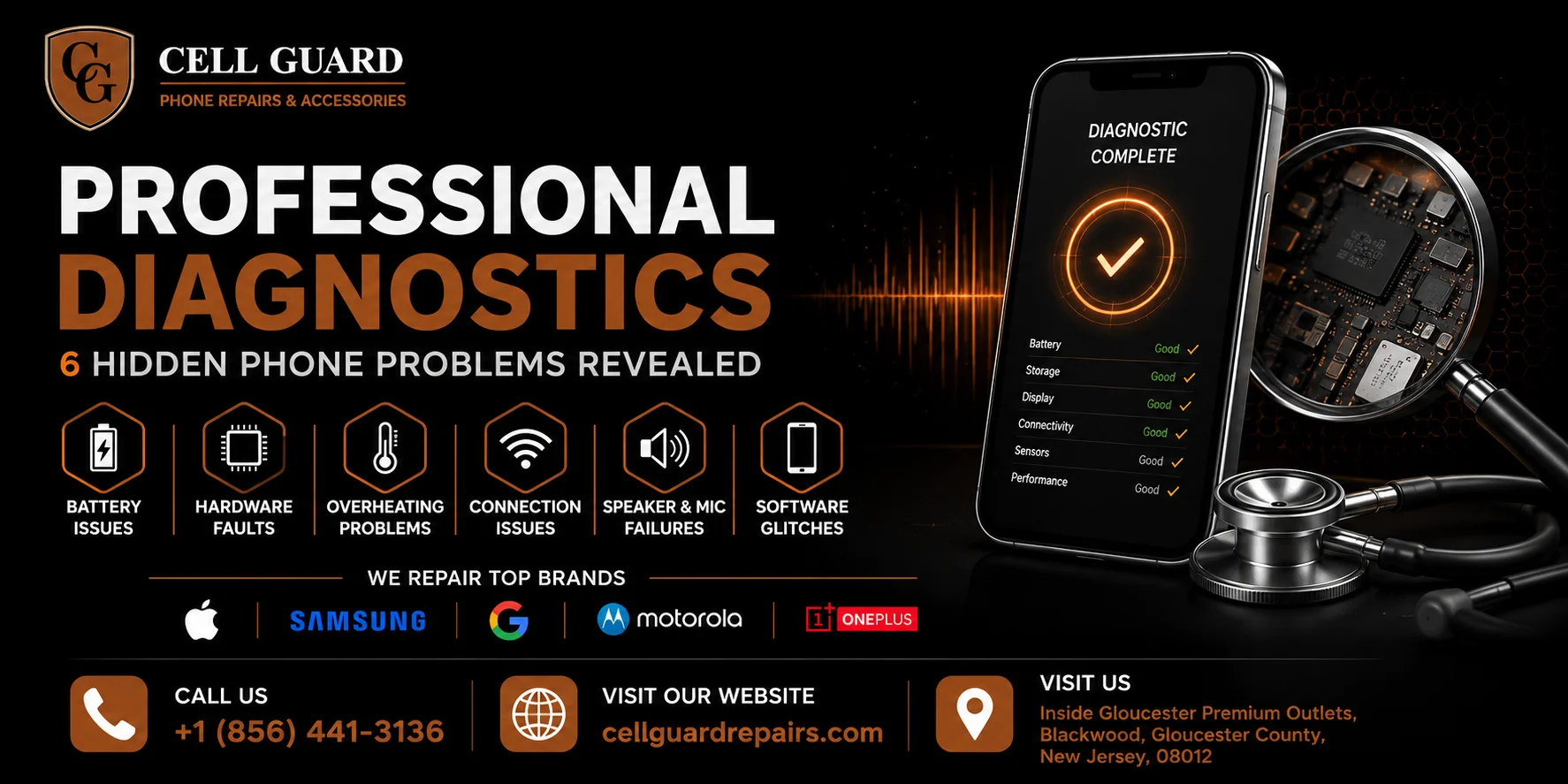
Professional diagnostics are how technicians find the problems a phone doesn’t announce on its own. Not every issue shows up as a cracked screen or a phone that won’t turn on. Some of the most damaging problems are quiet ones — a battery slowly losing capacity, a charging port with early corrosion, a camera sensor drifting out of calibration — and they can sit unnoticed for weeks or months before they cause a real failure.
That’s exactly where professional diagnostics come in. Instead of guessing at what’s wrong or waiting for a small issue to become a big one, a proper diagnostic check looks under the surface and tells you what’s actually happening inside your device. This guide walks through what professional diagnostics actually involve, the hidden problems they tend to catch, and why a quick diagnostic check can save you far more than it costs.
What Professional Diagnostics Actually Are
At a basic level, professional diagnostics are a structured set of tests that check every major component of a phone — battery, charging system, display, camera, speakers, microphones, sensors, and internal connections — rather than just looking at the parts that are visibly broken.
A phone can look completely fine on the outside and still be dealing with a battery that’s degraded well past a healthy capacity, or a charging port with corrosion starting to form from a small amount of moisture exposure months ago. These are the kinds of issues that professional diagnostics are designed to catch before they turn into a phone that suddenly won’t charge or shuts off without warning.
Most people only think to get a diagnostic when something is already going wrong. But the real value of professional diagnostics is catching problems early, while they’re still small, inexpensive, and easy to fix.
Why Hidden Problems Are So Common
Phones are used constantly and rarely given a proper check-up. Unlike a car, which most people bring in for regular maintenance, a phone tends to get used every day until something breaks — and by then, the underlying problem may have been building for a while.
Professional diagnostics matter here because a phone’s symptoms don’t always match its actual problem. A phone that feels sluggish might seem like a software issue, but professional diagnostics might reveal it’s actually a battery that can no longer supply consistent power to the processor. A camera that occasionally fails to focus might look like a software bug, but a diagnostic check could show a lens that’s been knocked slightly out of alignment from a drop weeks earlier.
Let’s go through the specific hidden issues that professional diagnostics tend to uncover most often.
1. Battery Health Beyond What the Percentage Shows
The battery percentage on your screen tells you how much charge is left right now — it doesn’t tell you how healthy the battery actually is. Professional diagnostics measure things like maximum capacity, charge cycle count, and voltage consistency, which paint a much more complete picture.
What this hidden problem looks like:
- A phone that says 50% but shuts off anyway
- Charging that seems to slow down dramatically after a certain point
- A battery that feels warm even during light use
Why professional diagnostics matter here:
A battery can report an accurate percentage while its actual capacity has dropped significantly below what it was originally rated for. Without professional diagnostics, this kind of degradation is nearly invisible until the phone starts behaving erratically — sudden shutdowns, rapid drain, or failure to hold a charge overnight. Catching this early through a diagnostic check means a simple battery swap instead of a phone that dies unexpectedly during something important.
2. Charging Port Corrosion and Wear
Charging ports can look completely normal from the outside while corrosion or wear is already affecting the internal contacts. This is one of the more common hidden issues that professional diagnostics catch before a full charging failure happens.
What this hidden problem looks like:
- Charging that only works at a certain angle
- A cable that needs to be held in place to charge
- Charging that’s noticeably slower than it used to be
Why professional diagnostics matter here:
A visual check of a charging port won’t reveal early corrosion or worn internal pins, but professional diagnostics test the actual electrical connection and charging speed under controlled conditions. This makes it possible to catch a port that’s degrading before it fails completely, which is a much simpler and cheaper repair than dealing with a phone that suddenly won’t charge at all.
3. Display and Digitizer Issues
A screen can look perfectly fine while the digitizer underneath — the layer that actually registers your touch — is starting to malfunction. This is a classic case where professional diagnostics catch something that isn’t obvious just by looking at the phone.
What this hidden problem looks like:
- Touch that occasionally doesn’t register in certain areas
- A phantom touch that registers on its own
- Slight discoloration or flickering that only shows up under certain lighting
Why professional diagnostics matter here:
These issues often start small and intermittent, which makes them easy to dismiss as random glitches. Professional diagnostics use touch-mapping and display tests to identify dead zones or inconsistent response across the entire screen, which helps determine whether the issue is a loose connector, developing water damage, or a digitizer that needs replacing — long before the screen stops responding altogether.
4. Camera Calibration and Sensor Problems
A camera can take photos that look almost right while still having a real underlying issue — slightly soft focus, inconsistent exposure, or a sensor that’s drifted out of calibration after a drop. Professional diagnostics are often the only way to confirm this kind of subtle problem.
What this hidden problem looks like:
- Photos that seem slightly blurrier than they used to be
- Autofocus that hunts for longer than normal before locking on
- Inconsistent results between the front and back cameras
Why professional diagnostics matter here:
Most people chalk up minor camera issues to lighting or a dirty lens. Professional diagnostics test focus accuracy, sensor response, and image consistency directly, which can reveal whether the issue is something simple like debris on the lens or something more serious like a shifted camera module that needs realignment or replacement.
5. Hidden Water Exposure and Corrosion
One of the trickiest hidden problems is water exposure that didn’t cause immediate, obvious damage. A phone might work completely fine for weeks after a small splash, while corrosion quietly develops inside. Professional diagnostics are essential here, since there’s often no outward sign at all.
What this hidden problem looks like:
- A phone that worked fine after a splash but starts acting up weeks later
- Random shutdowns with no clear pattern
- A speaker or microphone that sounds slightly different than before
Why professional diagnostics matter here:
Water indicators inside the phone can confirm exposure even when there’s no visible damage, and professional diagnostics can check for early corrosion on internal connectors before it spreads further. Catching this early can mean the difference between a straightforward cleaning and repair versus a phone that eventually fails completely from corrosion that had months to spread unnoticed.
6. Internal Connection and Logic Board Issues
Some of the most frustrating phone problems come from loose or partially damaged internal connections — a ribbon cable that’s slightly disconnected, a component that’s not seated properly after a drop. These issues can cause a strange mix of unrelated symptoms, which is exactly why professional diagnostics are so valuable here.
What this hidden problem looks like:
- Random combinations of issues that don’t seem connected — camera glitches paired with audio problems, for example
- A phone that works fine most of the time but occasionally freezes or restarts
- Issues that seem to appear or disappear depending on how the phone is held
Why professional diagnostics matter here:
This kind of problem is almost impossible to diagnose by guesswork, since the symptoms often look unrelated to their actual cause. Professional diagnostics involve testing specific components in isolation, which helps pinpoint whether an issue is a loose connector, a failing component, or something else entirely — rather than replacing parts one at a time and hoping something works.
Why a Diagnostic Check Is Worth Doing Even When Nothing Seems Wrong
It’s easy to assume a diagnostic check is only useful once a phone is already showing problems. In reality, professional diagnostics are just as valuable as a preventive measure — especially after a drop, a spill, or before selling or trading in a device.
A phone that’s been dropped might look completely fine while a small crack has formed in an internal connector. A phone that got briefly wet might work perfectly today while corrosion quietly develops. Professional diagnostics catch these situations while they’re still minor, which almost always means a cheaper and faster fix than waiting for a full failure.
If you’re planning to sell or trade in a device, a diagnostic check can also confirm the phone is in the condition you think it is, which avoids unpleasant surprises during a sale or an unexpected drop in trade-in value.
What a Good Diagnostic Process Actually Covers
Not all diagnostic checks are created equal. A thorough diagnostic process should cover:
- Battery health — capacity, cycle count, and charging consistency
- Charging port and cable connection — speed, stability, and physical wear
- Display and touch response — dead zones, discoloration, and digitizer accuracy
- Camera performance — focus accuracy, exposure, and sensor alignment
- Speaker and microphone quality — clarity, volume consistency, and distortion
- Water damage indicators — visible corrosion and internal moisture sensors
- Buttons and physical components — responsiveness and wear
- Software and system performance — background processes, storage, and update status
A rushed or surface-level check might catch the obvious issues, but professional diagnostics that go through each of these systematically are what actually catch the hidden problems before they turn into full repairs.
Why This Matters More Than People Think
Most people wait until a phone clearly isn’t working before getting it looked at, but by that point, a hidden issue has often had time to get worse. Professional diagnostics flip that approach — catching a slightly degraded battery before it causes a shutdown, or a loose connector before it causes complete camera failure.
This is also why professional diagnostics are useful even for phones that seem to be working fine. A quick check after a drop, after any water exposure, or simply as a periodic tune-up can catch developing issues while they’re still a fifteen-minute fix instead of a major repair.
What to Look for When Getting a Diagnostic Check
If you’re considering getting professional diagnostics done, a few things are worth paying attention to:
- A full component-by-component check, not just a quick glance. The value is in the thoroughness.
- A clear explanation of the results. A good technician walks you through what was tested and what it means, rather than just handing over a pass or fail.
- No pressure to repair something that doesn’t need it. Honest diagnostics should tell you what’s actually wrong, not just recommend the most expensive fix.
- A reasonable amount of time for the check. Rushed diagnostics tend to miss the subtle issues that matter most.
A shop that takes diagnostics seriously tends to also do better repair work overall, since understanding the actual problem is the first step toward fixing it properly.
A Quick Word on Where to Get This Done
If you’re in the South Jersey area and want a proper diagnostic check on your phone — whether it’s after a drop, a spill, or just because something feels a little off — Cell Guard offers professional diagnostics alongside full repair services for both Android and iPhone devices. You can see everything that’s covered on the services page, or learn more about how the shop approaches repairs on the about page.
The store is located next to UGG’s, 100 Premium Outlets Dr Store #785, Gloucester Premium Outlets, Blackwood, NJ 08012, United States, making it easy to stop by if you’re already out at the outlets.
If you’d rather get an idea of cost and timing before making the trip, you can start a repair request here. For quick questions, calling is usually the fastest way to get an answer — Call Now: (856) 441-3136 — or if you’d prefer to write things out, you can reach out by Email: aroracases@gmail.com.
Final Thoughts
Professional diagnostics exist for exactly the kinds of problems that don’t announce themselves — a battery quietly losing capacity, a charging port slowly corroding, a camera sensor drifting slightly out of alignment. None of these show up as an obvious, visible problem until they’ve already caused real damage, which is exactly why a proper diagnostic check is worth doing before you’re stuck with a phone that’s stopped working entirely.
Whether it’s after a drop, after any exposure to water, or simply because something about your phone feels a little different than it used to, a thorough diagnostic check can catch the issue while it’s still small. Professional diagnostics won’t fix a phone on their own, but they’re the first and most important step toward understanding exactly what’s going on — and getting it handled properly, before a hidden problem becomes an expensive one.
For more tips like these, feel free to browse the rest of the blog, or head over to the contact page if you have a specific question about your device.
You can also find more reviews and updates on the Cell Guard Google profile.
 by
by